Consumption Based Sheet
In this sheet, it allows configuration of each machine's consumption using statistics, and we can add as many machines as needed in the report.
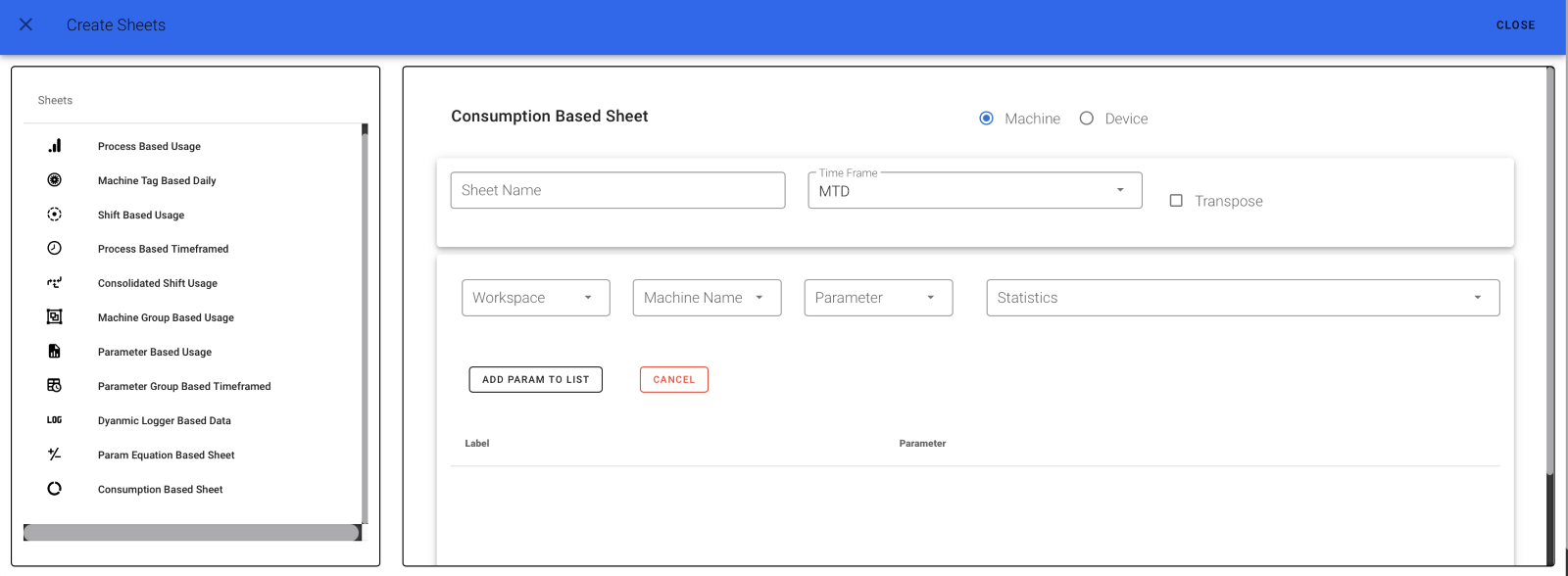
We can also add the timeframe. Give a name for your sheet and select your timeframe from:
- Month to Date (MTD)
- Last Month to Date (LMTD)
- Year to Date (YTD)
Choose either Machine or Device.
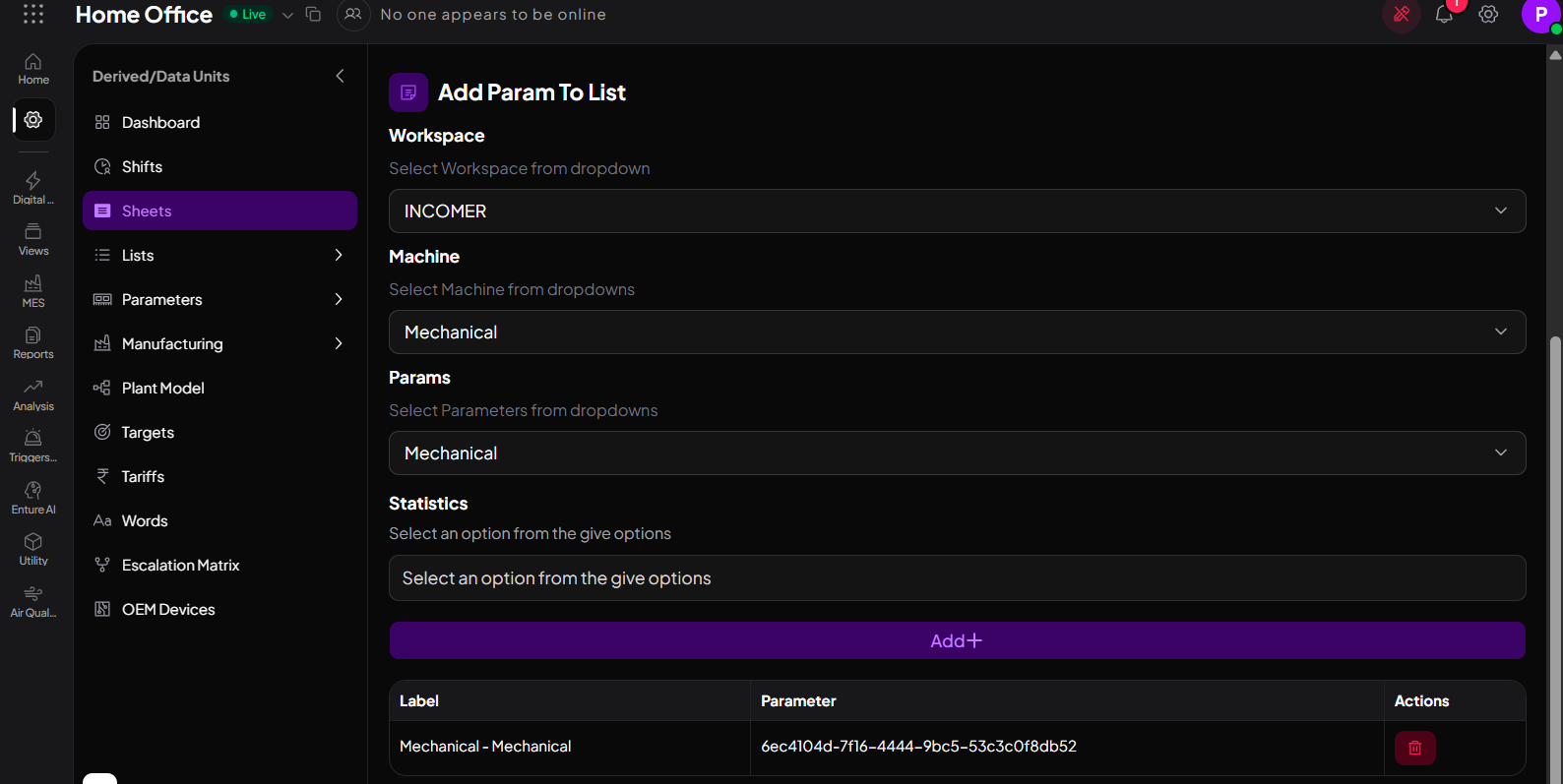
Select your Workspace, Machine or Device, and Parameter. Then, select your Statistics from the dropdown checkbox. Click on ADD PARAM TO LIST – your parameter will be added. You can add any number of parameters.
Static options include: Max, Min, Usage, Starting Reading, End Reading.
Here you need select your Workspace , Machine ,Param and statistics and click on the ADD button. Your machine will be added.
The page will look like the one below: